


For businesses
The system, the way your company works.
Records, approvals, Kanban, calendar, reports and dashboards, built with no code or in plain English requests. Your team uses it in the browser, and the system belongs to the company.
Open beta, no card.
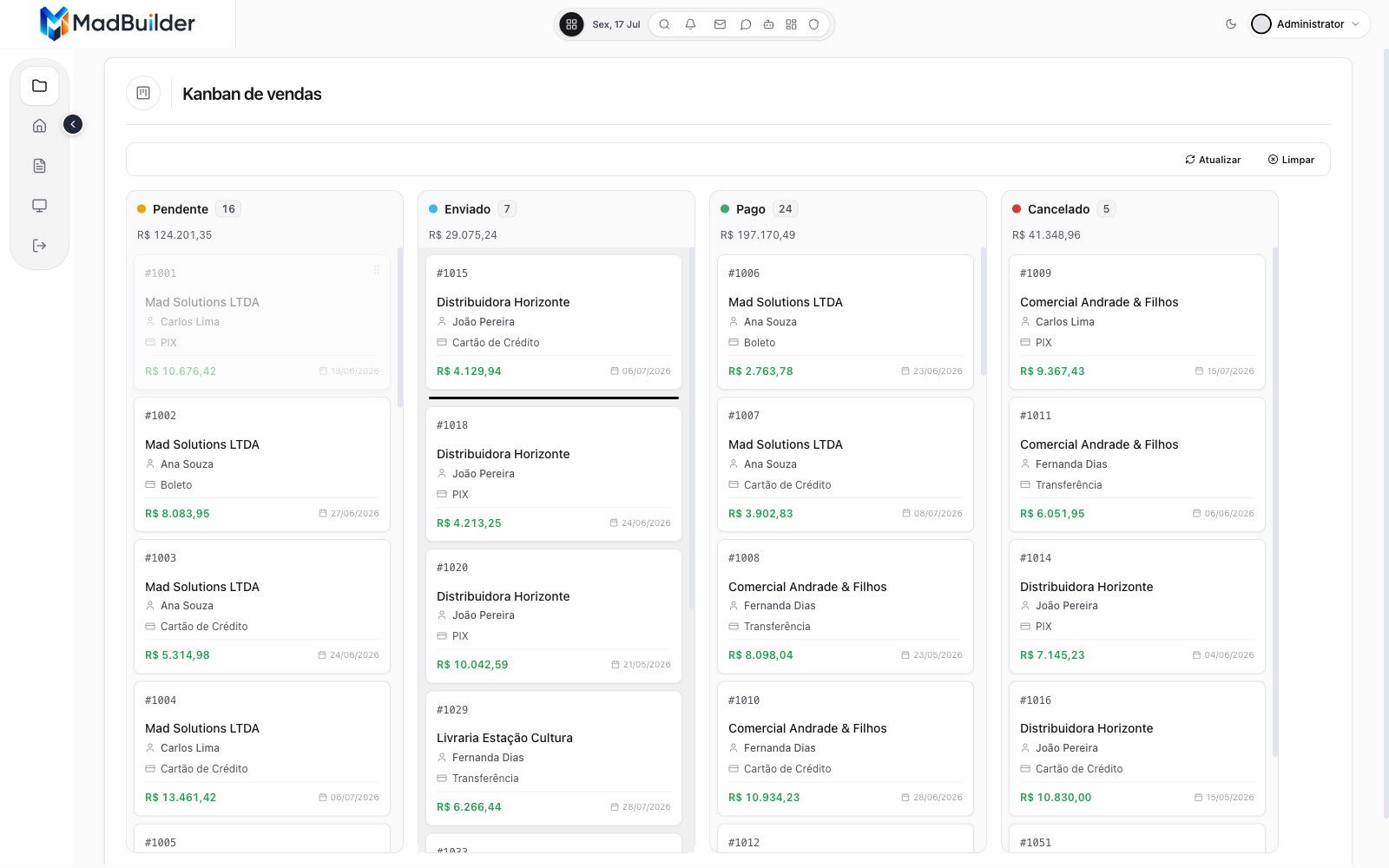
The screens your operation uses every day.
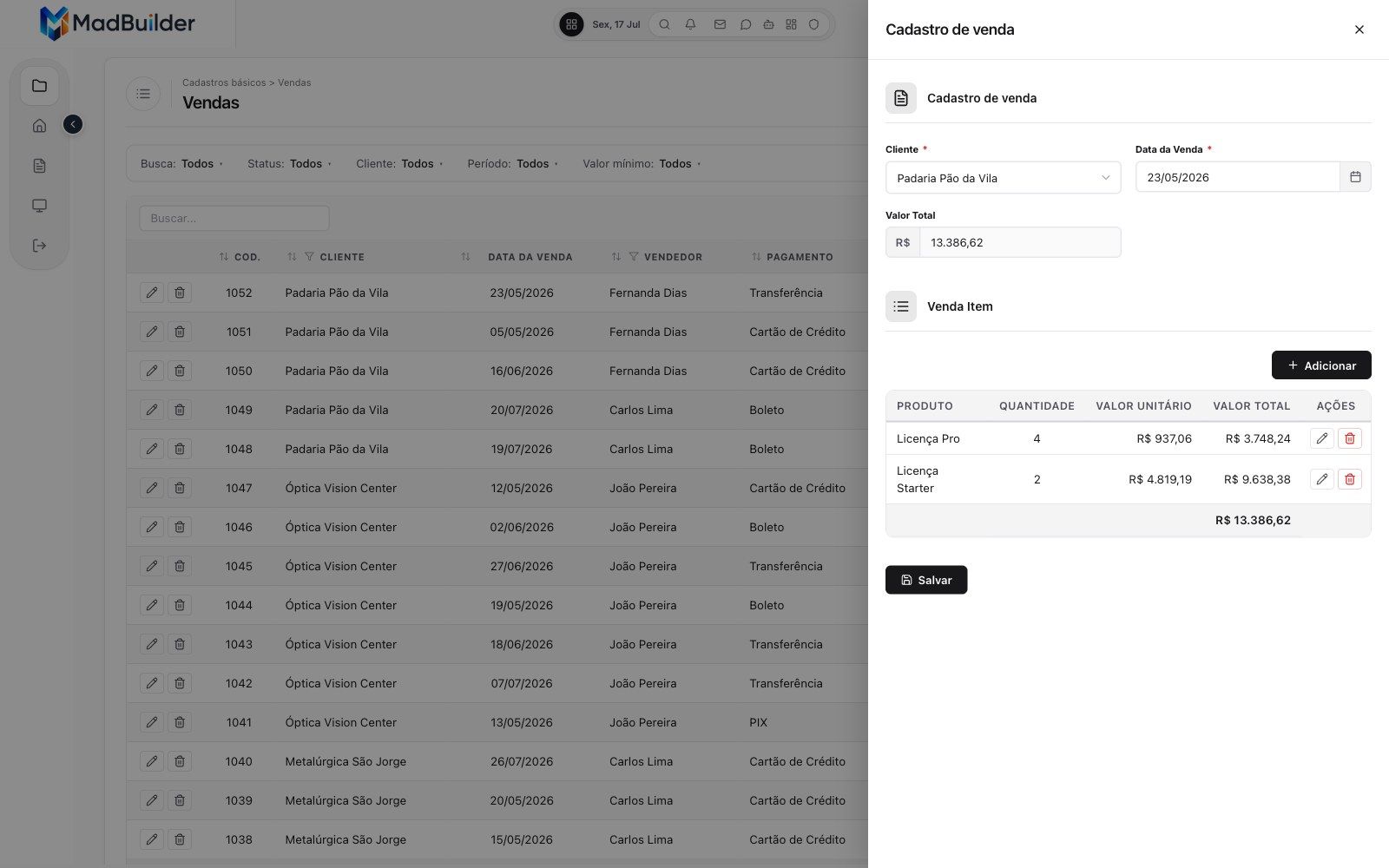
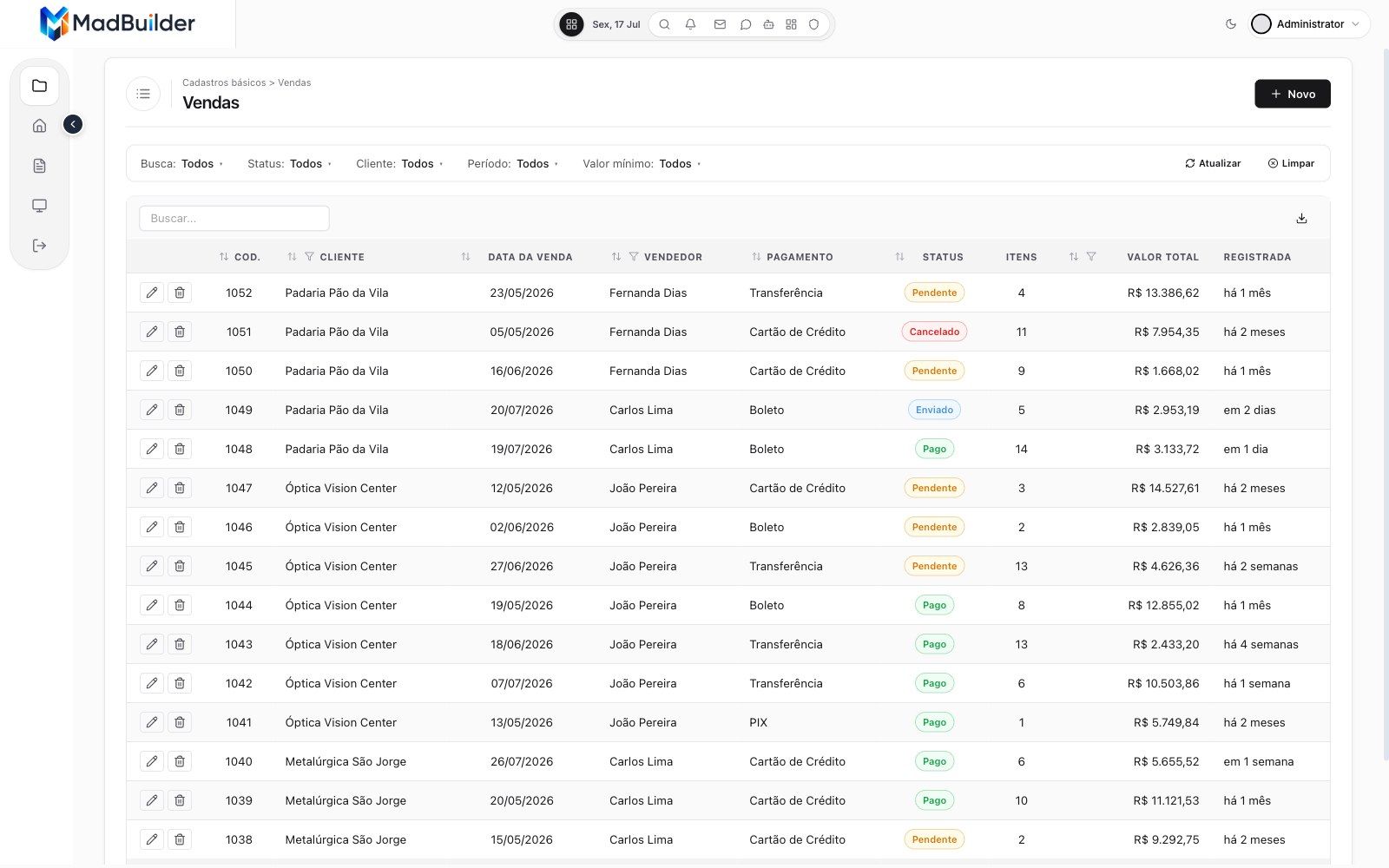
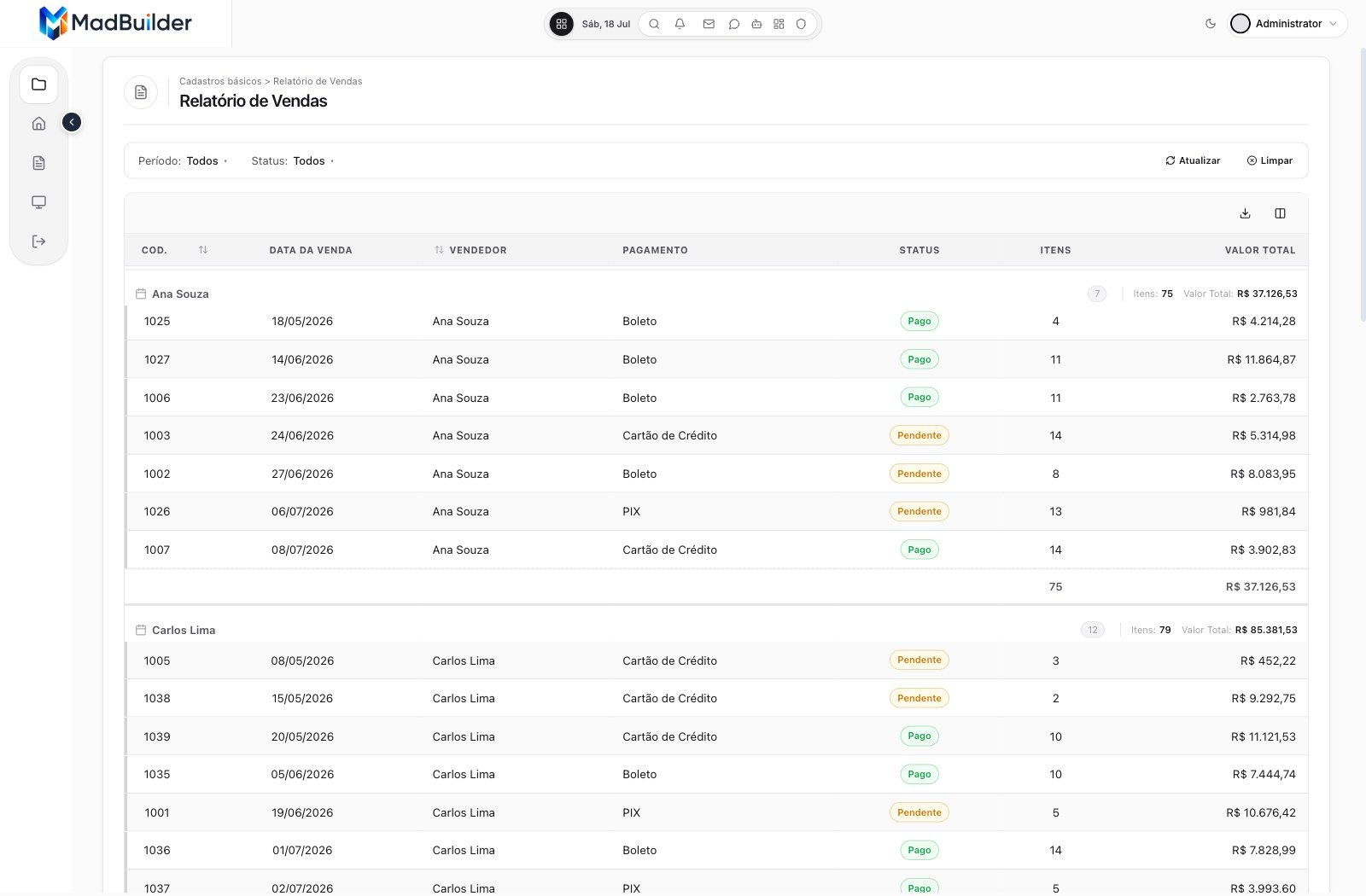
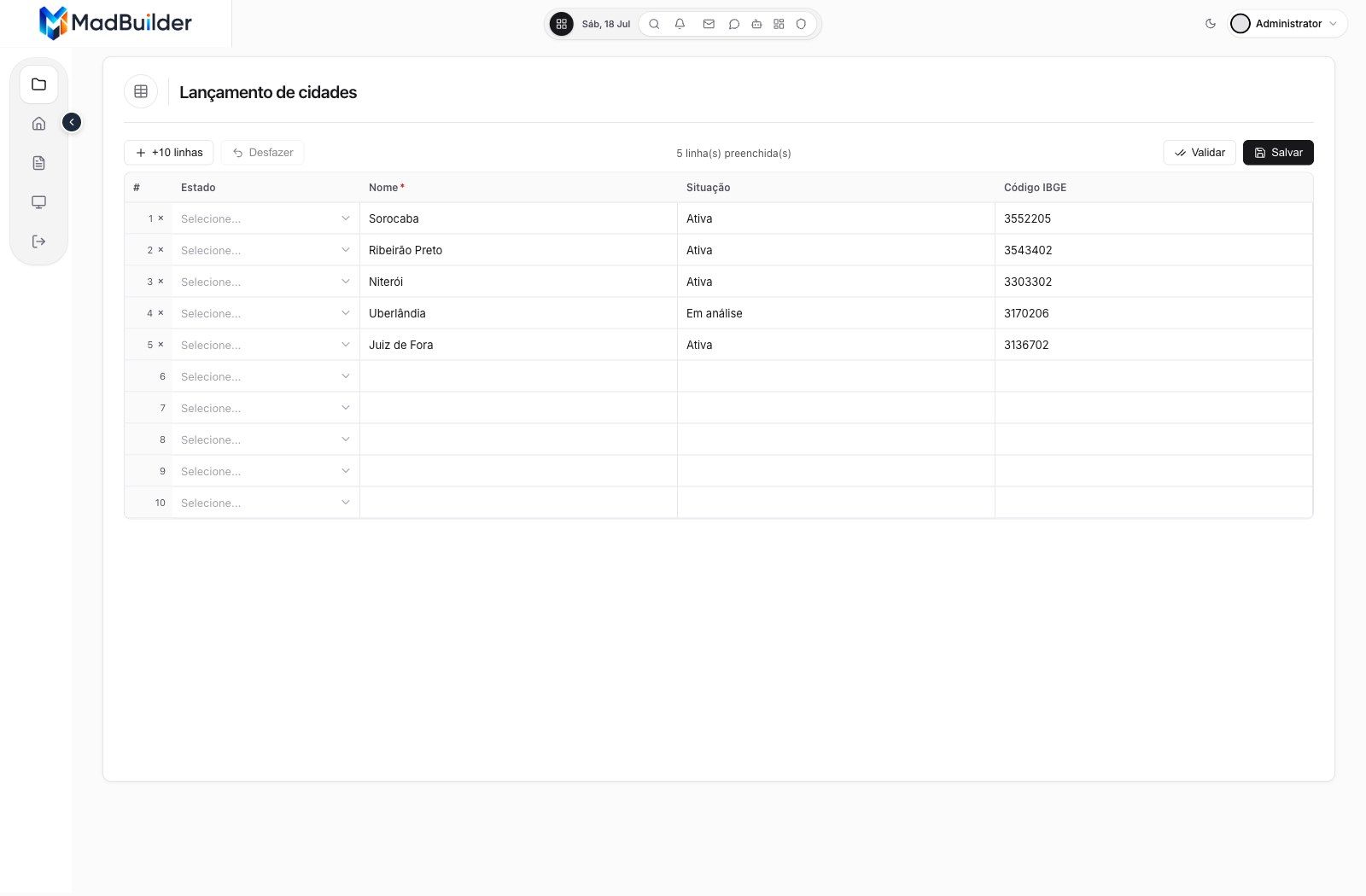
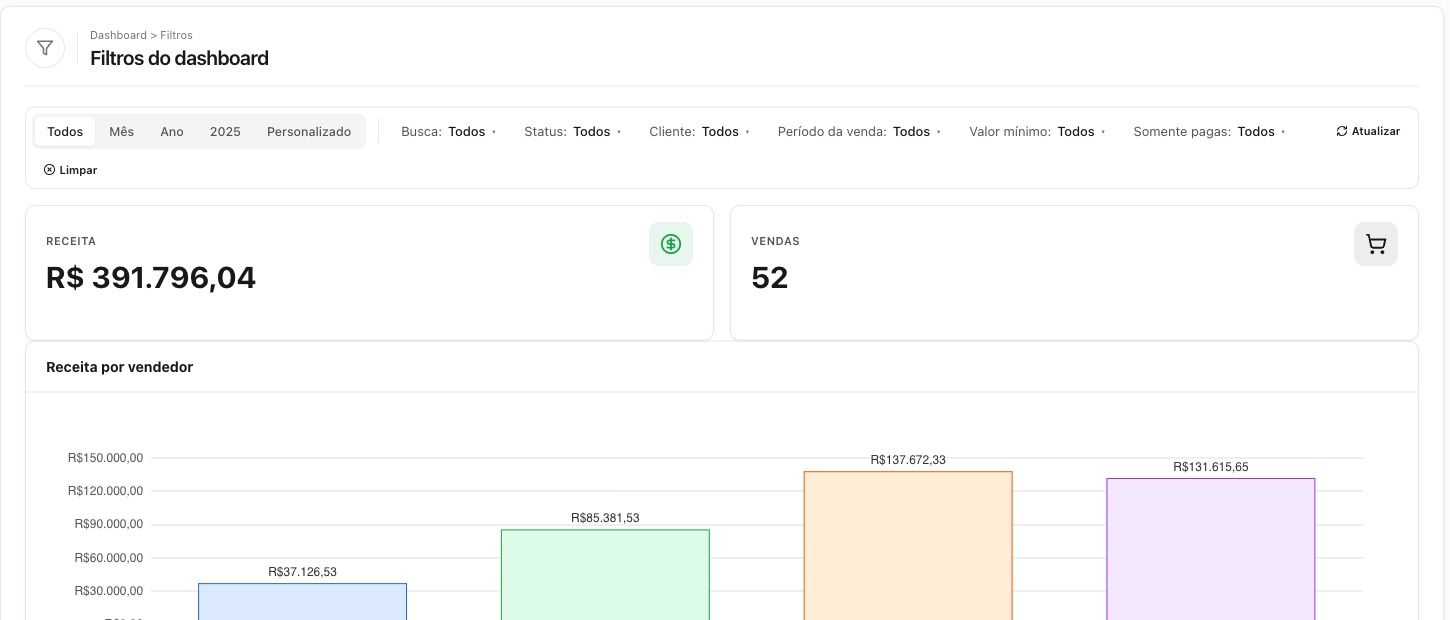
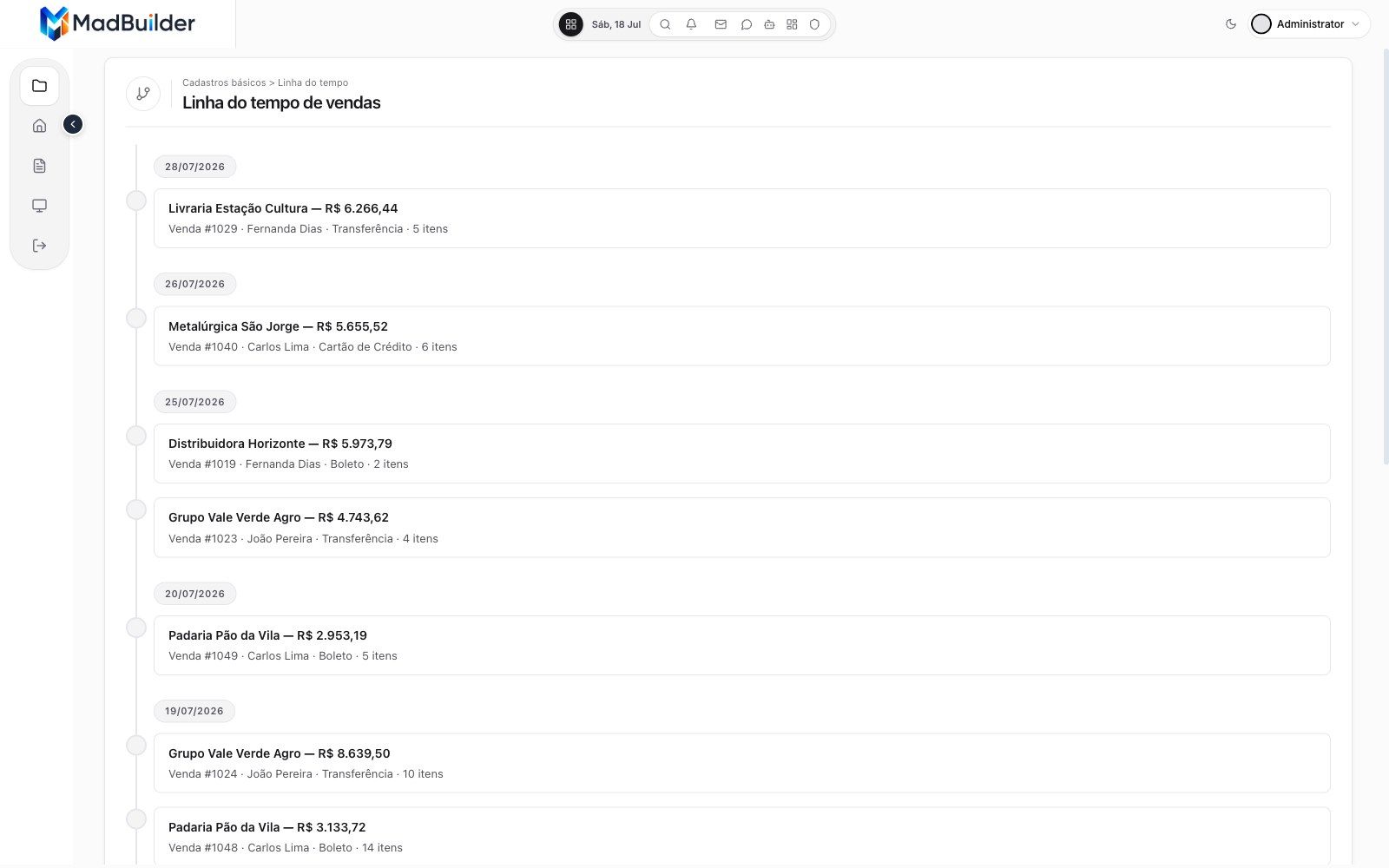
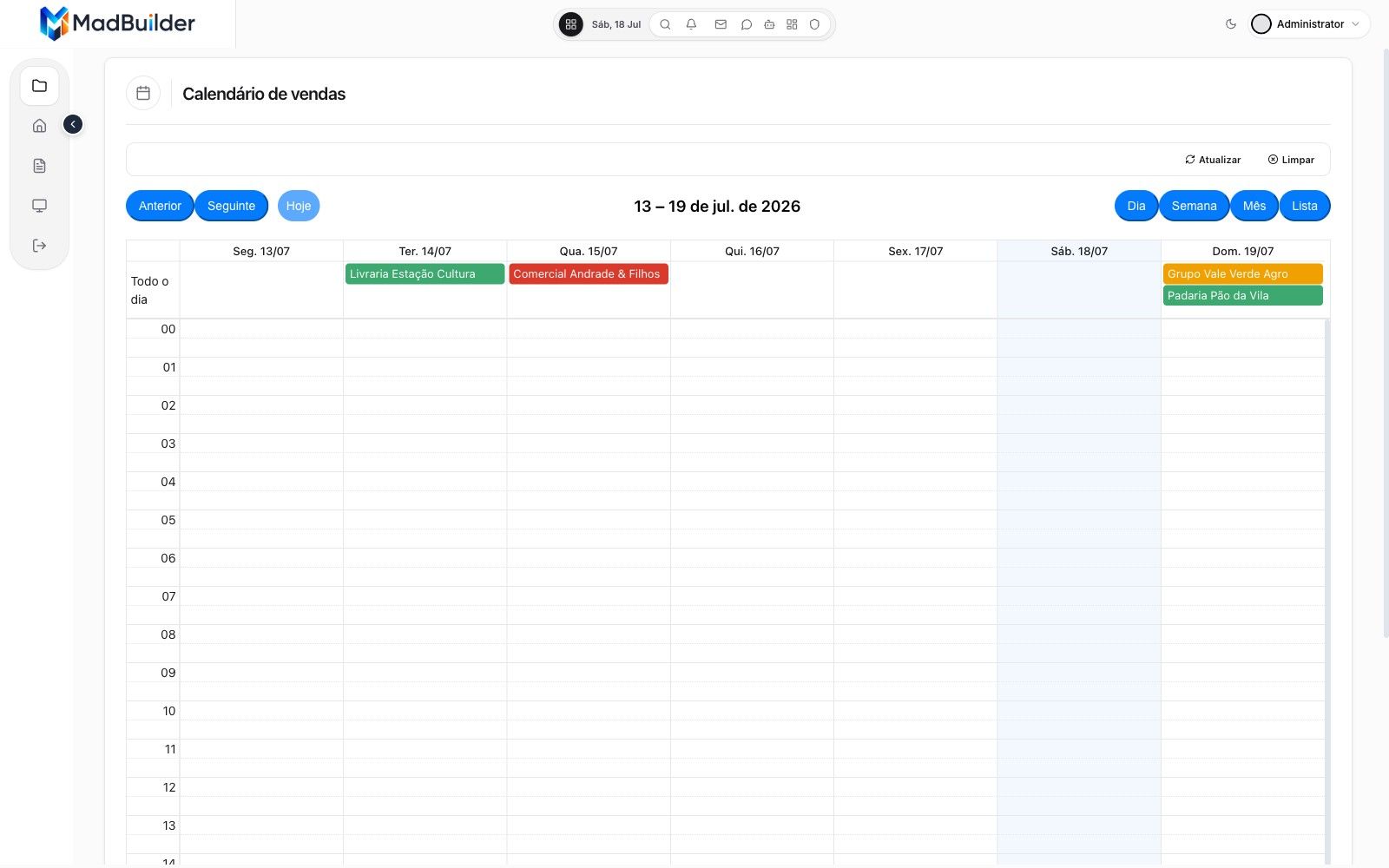
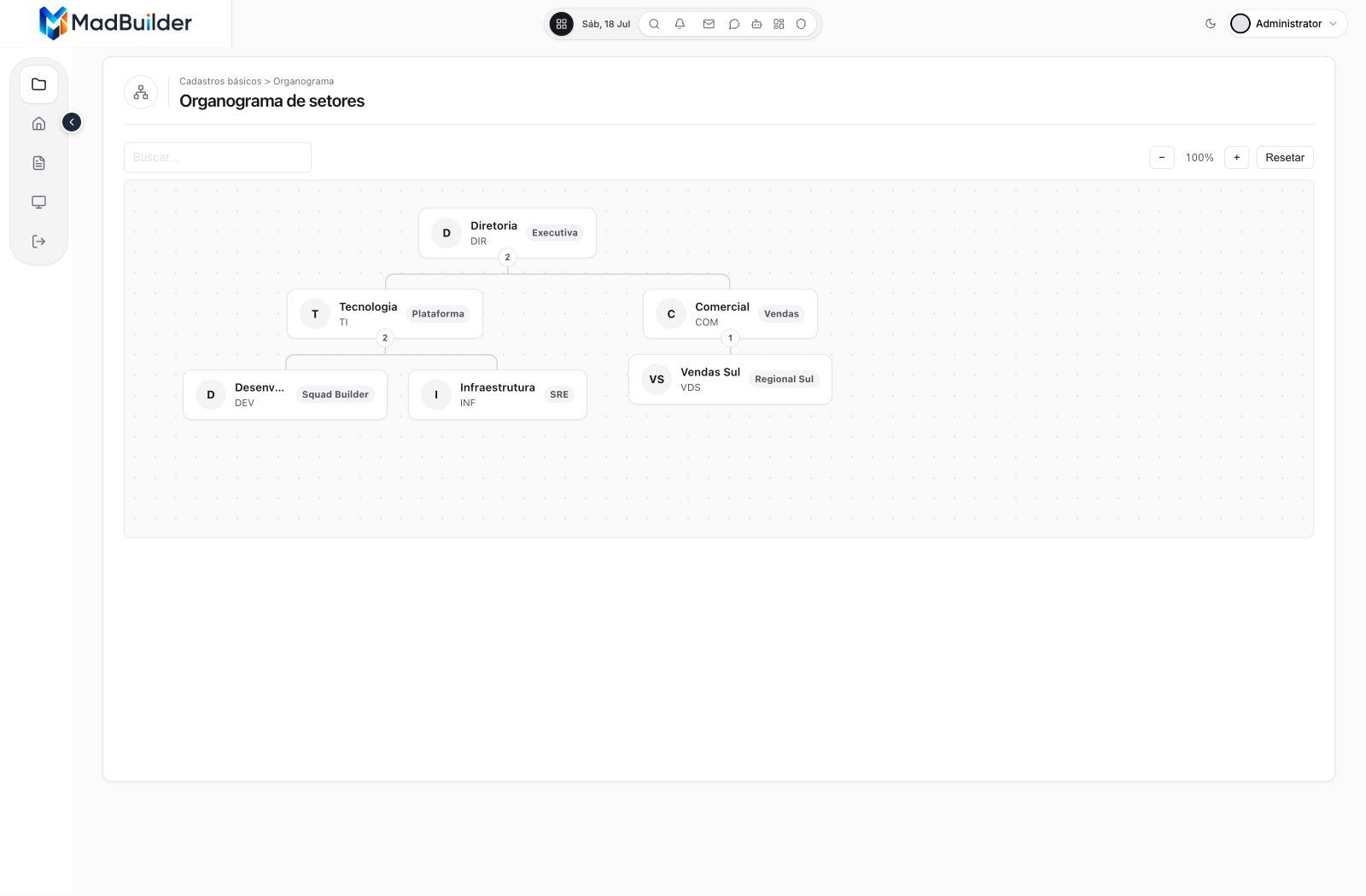
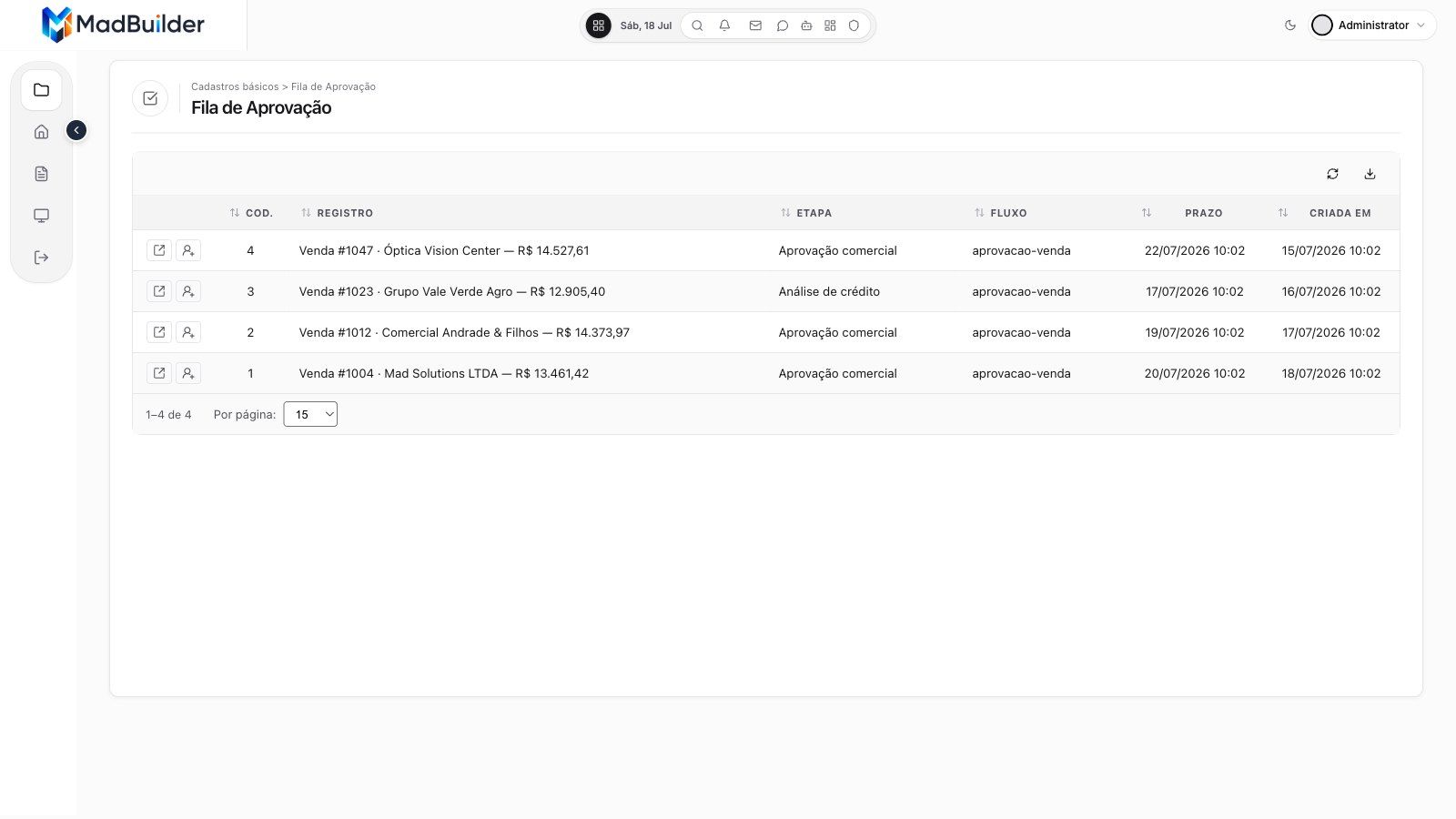
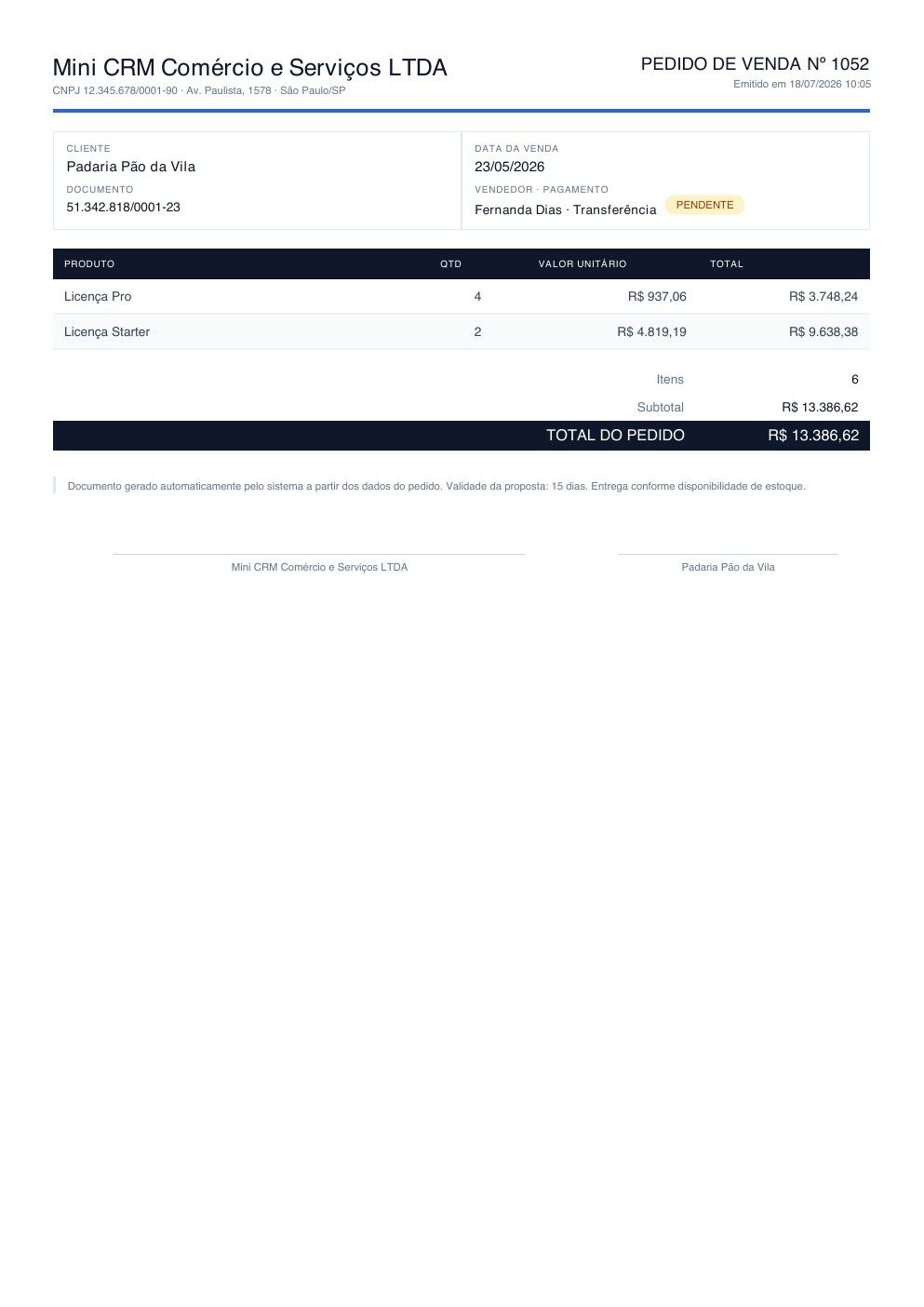
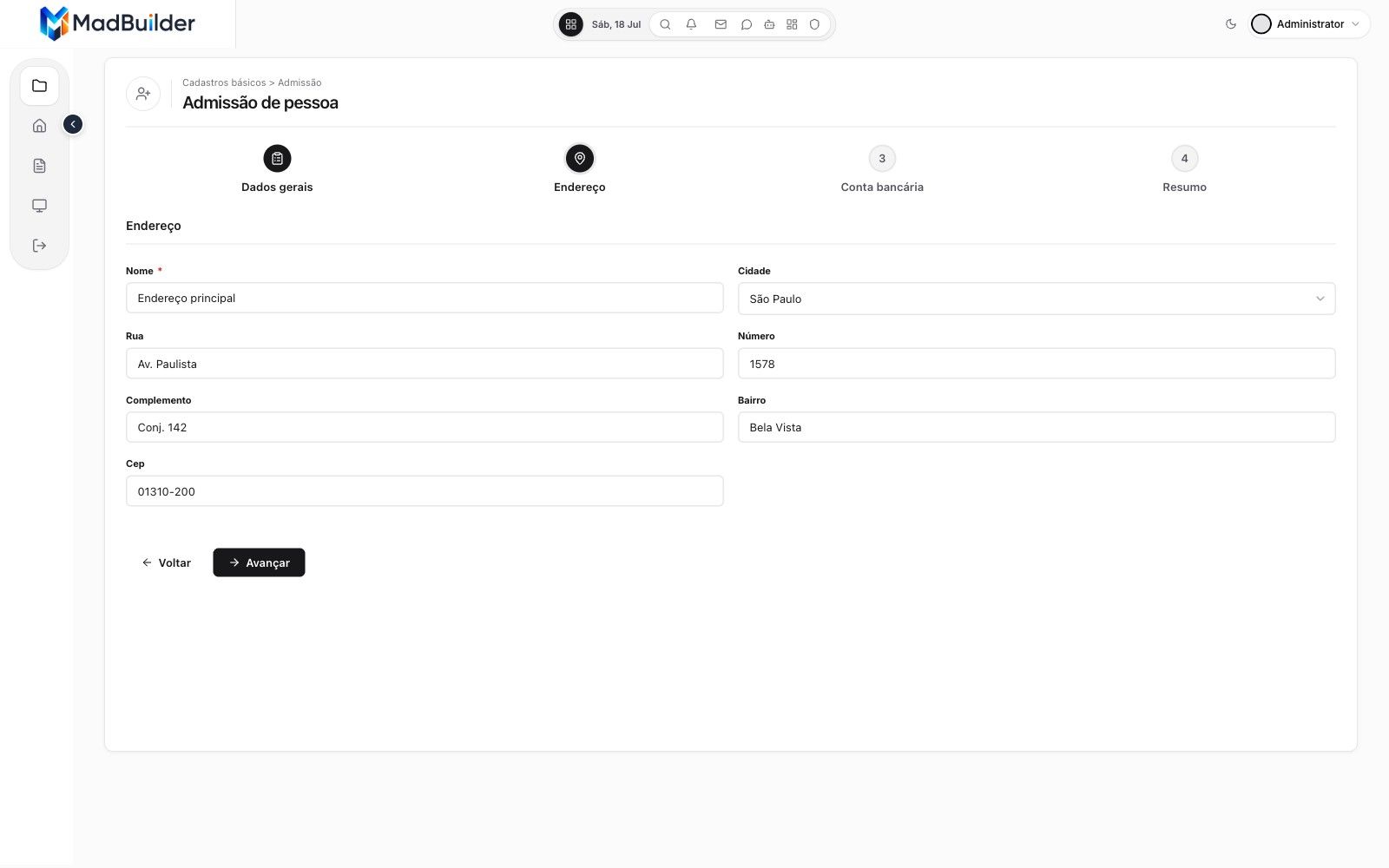
Ready-made screen types. Each one becomes a screen wired to your company's tables, with filtering, export and permissions.
-
-
-
-
-
-
-
-
-
-
-
-
-
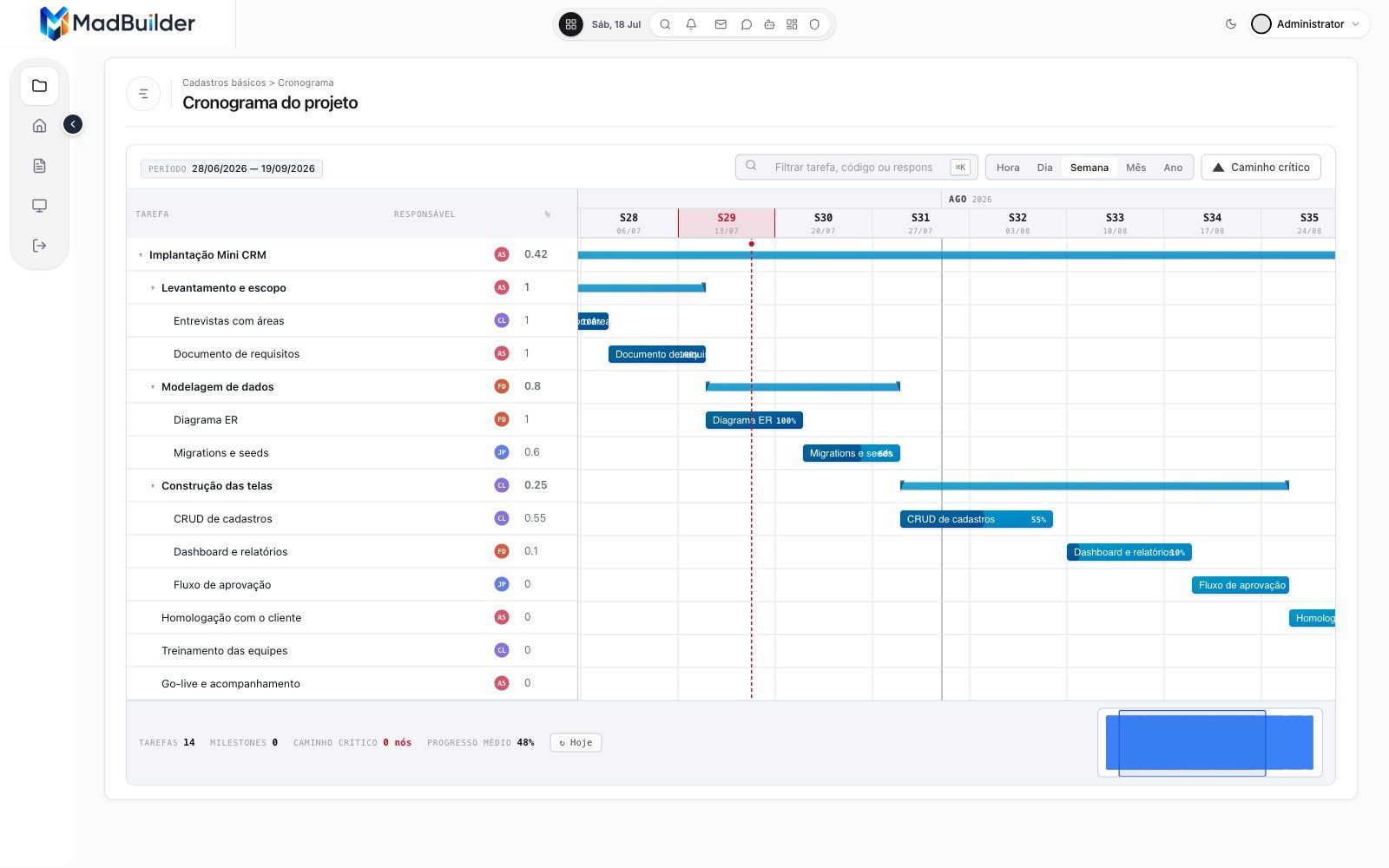
Describe the screen. The agent builds it.
Write what you need the way you would tell someone on the team. The agent creates the tables, generates the screens, tests them and leaves everything ready to use. The video next to this is a real recording.
- It uses the tables you already have and creates only the ones that are missing
- In Plan mode, it shows what it will do and waits for your approval
- Once it is done, you can adjust everything by hand in the editor
Your browser couldn’t play this video. Open the video file
Read the transcript (in Portuguese)
What if you could describe your company's system in plain words, and watch it running in minutes? Here, the owner of a repair shop asks the MadBuilder agent for a complete system: customers, technicians, equipment and service orders, with a dashboard and the service order as a PDF. First, it builds a roadmap with phases and tasks, and asks for approval before starting.
Then it creates the database tables and generates each screen: forms, list views and the dashboard. All of it real Laravel code, without you writing a single line.
Afterwards, it launches the system in the Online Test itself, logs in as the admin user and checks the screens it created. And you're not stuck with what the AI did. Everything opens in the visual editor. Here, the technician field becomes a list with the team's names, in a few clicks.
Every change becomes code right away, in your project's Blade and PHP. In the service order document, each field is linked to the customer and equipment data, right in the panel.
Done. This is the system running, with two hundred and twenty-nine service orders registered. The list view has search, filters and pagination, ready for the team's day-to-day. The form shows the equipment and the technician by name, with amounts and dates in the right format.
In the dashboard: revenue, orders by status, each technician's workload and revenue by brand.
And the service order comes out as a PDF, ready to print and hand to the customer.
From the request to a running system, with Laravel code that is yours. Try it now at madbuilder dot dev.
Live, with everyone seeing what they should.
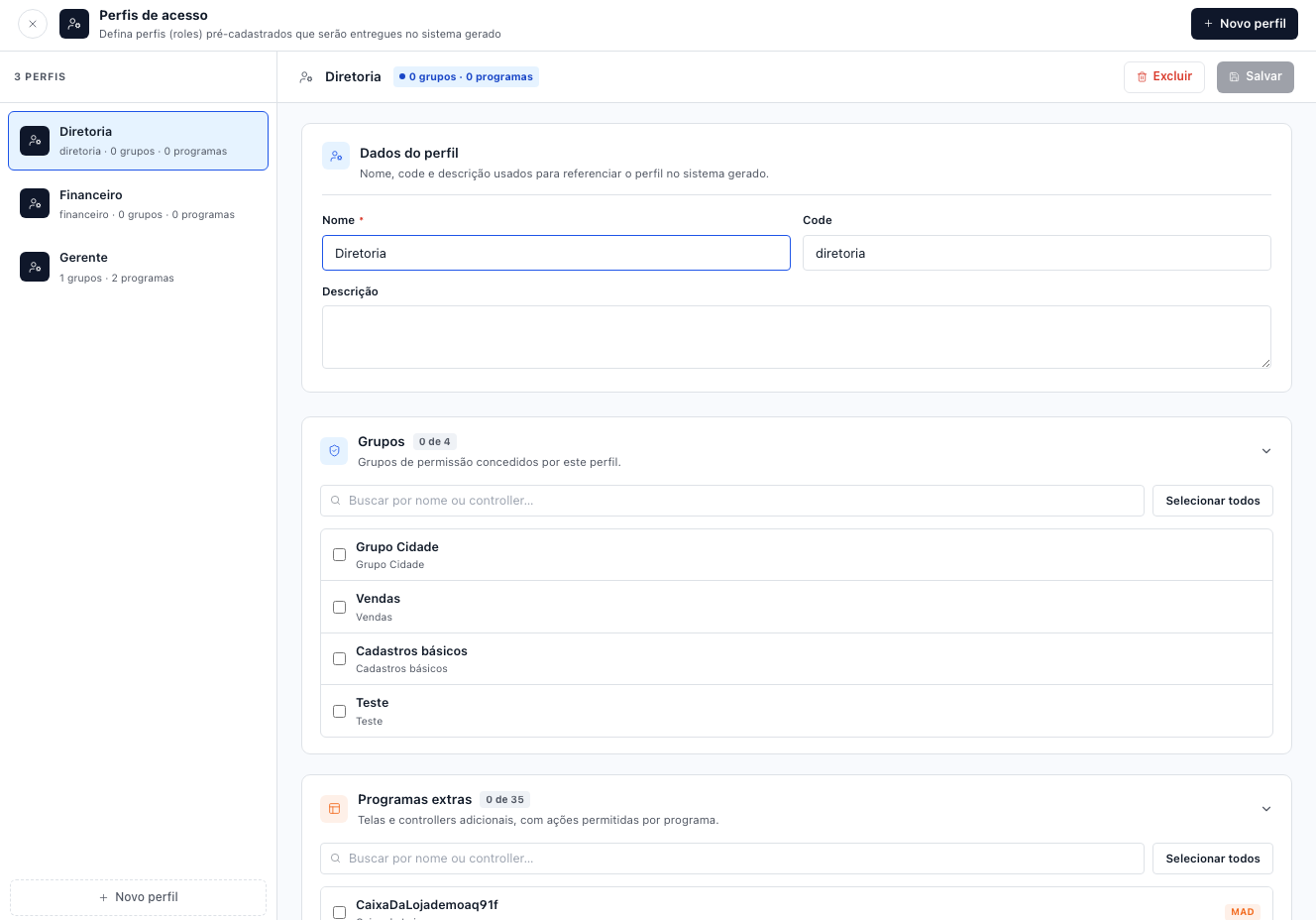
The system ships with login, access roles and a record of who did what. You choose where it runs.
- Roles like Executive, Finance and Manager, each with their own screens
- 2FA login and an audit trail, including what the AI does
- Hosting on MadCloud with daily backup, or on your own server
- A test environment before you publish to production
If you ever switch vendors, the system goes with you.
Many no-code tools lock your system inside them. MadBuilder delivers a regular Laravel project that any PHP programmer can maintain.
The code belongs to the company
You can download the whole project at any time on the paid plans.
Runs without MadBuilder
It does not depend on an engine of ours in production. It is PHP and a database, like any other system.
Any dev can take over
Laravel is the framework most PHP developers already know.
Prefer that we build it?
MAD Solutions builds the system for you on MadBuilder. AI agents build it, and engineers with over 10 years of experience review and deliver it. Pricing is published, starting at $—, and the code stays with your company.
Delivery or restaurant? Before commissioning anything, check out MadFood, a ready-made delivery system for pizzerias and restaurants that you buy once and adjust in the Studio.
Questions from the people who will use the system
Do I need to know how to code?
Not to build the screens: you drag components in the editor or describe the screen in plain English and the agent builds it. Very specific business rules get easier with a dev nearby, and they will find a regular Laravel project.
Where is the system hosted?
Wherever you want. On MadCloud, with daily backup and staging (and a private server in São Paulo, if the data needs to stay in Brazil), or on your company's own server, over SSH or Git.
What happens if we stop using MadBuilder?
The system keeps working. It is a Laravel project, the PHP technology most developers on the market know, and the code stays with your company.
Can I control who sees what?
Yes. The system ships with access roles (Executive, Finance, Manager and any you create), 2FA login and an audit trail.
How much does it cost to get started?
The Free plan covers 1 project with up to 20 tables. To download the code and deploy it to your own server, paid plans are priced per developer, per year. See the pricing page.
Build your company's first screen today.
Create an account, describe what you need and watch it run in the Online Test. Open beta, no card.
- Create an accountOpen beta, no credit card.
- Build a screenVisually, in code, or by asking the AI.
- Download the .zipA Laravel project that runs wherever you want.
